

Nearly half of cloud security breaches involve misconfigured environments, putting even sophisticated American financial institutions at risk. Security professionals in tech and finance need airtight detection strategies as digital assets multiply across platforms like AWS. This guide walks through the foundational steps for preparing and optimizing your AWS environment, offering practical methods to avoid costly vulnerabilities and safeguard sensitive data with confidence.
Table of Contents
- Step 1: Prepare AWS Environment for Scanning
- Step 2: Configure Access and Permissions
- Step 3: Select and Deploy Vulnerability Scanning Tools
- Step 4: Run the AWS Vulnerability Scan
- Step 5: Review and Remediate Vulnerabilities
- Step 6: Verify Scan Results and Ongoing Protection
Quick Summary
| Essential Insight | Description |
|---|---|
| 1. Use CIS Hardened Images | Start with a secure baseline by deploying CIS Hardened Images to enhance initial security. |
| 2. Apply the Principle of Least Privilege | Grant minimal permissions to scanning tools to mitigate risk throughout the process. |
| 3. Automate Vulnerability Scans | Choose tools that support automated scans to ensure ongoing security with less manual effort. |
| 4. Prioritize Vulnerabilities Effectively | Categorize vulnerabilities by severity to address critical risks promptly and efficiently. |
| 5. Implement Continuous Monitoring | Establish a dynamic monitoring system for real-time threat detection and ongoing protection. |
Step 1: Prepare AWS Environment for Scanning
You're about to set up a secure scanning environment in AWS that will help you identify potential vulnerabilities in your cloud infrastructure. This step involves creating a robust foundation for your security assessment by carefully configuring your AWS resources and selecting appropriate machine images.
Start by creating an AWS account if you haven't already. Then, consider using a CIS Hardened Image as your baseline security configuration. These pre-configured virtual machine images are specifically designed to meet stringent security benchmarks, providing an immediate layer of protection before your vulnerability scan even begins. When launching your EC2 instance, select an image like the Kali Linux AMI that comes preloaded with security testing tools.
During instance configuration, pay special attention to your security group settings. Restrict inbound and outbound traffic to only the ports and protocols absolutely necessary for your scanning activities. Generate a new key pair specifically for this scanning project to ensure isolated and secure access. Choose an instance type with sufficient compute power to run comprehensive vulnerability scans without performance bottlenecks.
Pro tip: Always use the principle of least privilege when configuring your AWS scanning environment, granting only the minimum permissions required for your specific security assessment tasks.
Step 2: Configure Access and Permissions
In this critical step, you will establish the precise access controls and permission structures necessary for conducting a comprehensive and secure vulnerability scan in your AWS environment. Getting this right means ensuring your scanning tools have exactly the access they need without exposing your infrastructure to unnecessary risk.
Start by creating a dedicated IAM role specifically for vulnerability scanning. AWS credentials management requires carefully crafting policies that adhere to the principle of least privilege. This means generating an IAM policy that grants your scanning tools access only to the specific resources required for assessment. When defining these permissions, focus on allowing read-only access to EC2 instances, network configurations, and storage resources that need scanning, while explicitly blocking any write or modification capabilities.
Carefully review and test your IAM role's permissions before initiating the scan. Security scanning permissions should be granular enough to enable comprehensive vulnerability detection but restrictive enough to prevent potential misuse. Consider implementing additional safeguards such as time-based access limitations or requiring multi-factor authentication for the scanning role.

Pro tip: Always document and periodically audit your IAM roles to ensure they continue to meet the principle of least privilege as your infrastructure evolves.
Step 3: Select and Deploy Vulnerability Scanning Tools
Selecting the right vulnerability scanning tools is crucial for uncovering potential security weaknesses in your AWS infrastructure. Your goal is to choose tools that provide comprehensive coverage while seamlessly integrating with your existing cloud environment.
Begin by evaluating vulnerability scanning tools that support AWS environments. Consider both commercial and open-source options that offer dynamic application security testing and comprehensive vulnerability assessment capabilities. Pay close attention to tools that provide platform specific scanning for AWS resources, including EC2 instances, containers, and network configurations. Look for solutions that can perform automated scans, generate detailed reports, and integrate smoothly with your existing security workflows.
For organizations running containerized workloads, container vulnerability scanning becomes especially important. Prioritize tools that can scan both container images and running containers, ideally integrating directly with your CI/CD pipeline. When deploying these tools, configure them to run periodic automated scans that can detect potential security vulnerabilities before they become critical risks. Ensure your chosen tools support AWS specific configurations and can provide granular insights into your cloud infrastructure.
Pro tip: Select vulnerability scanning tools that offer continuous monitoring and can automatically adapt to changes in your AWS environment, reducing manual configuration overhead.
Here's a summary of key considerations when selecting an AWS vulnerability scanning tool:
| Criteria | Why It Matters | Example Consideration |
|---|---|---|
| Platform Compatibility | Ensures full AWS resource coverage | Supports EC2, containers, APIs |
| Automation Capabilities | Reduces manual effort | Scheduled scans and automatic reports |
| Reporting & Integration | Improves workflow efficiency | Integrates with ticketing systems |
| Continuous Monitoring | Enables rapid risk detection | Real-time alerts for new vulnerabilities |
Step 4: Run the AWS Vulnerability Scan
You are now ready to execute your comprehensive vulnerability scan across your AWS infrastructure. This critical phase will uncover potential security weaknesses and provide actionable insights into your cloud environment's current risk landscape.
Service discovery and vulnerability probing requires methodical and strategic execution. Start by launching your scanning tools in a controlled manner, focusing first on non production environments to minimize potential operational disruptions. Configure your scans to systematically probe AWS resources including EC2 instances, containers, network configurations, and API endpoints. Pay close attention to the scan's resource consumption and ensure you have appropriate permissions to conduct thorough yet non invasive assessments.
As the scan progresses, vulnerability detection mechanisms will actively search for configuration weaknesses, potential CVEs, and security misconfigurations. Monitor the scanning process in real time, watching for any unexpected behaviors or performance impacts. Collect and aggregate results comprehensively, focusing on identifying critical vulnerabilities that could potentially expose your infrastructure to unauthorized access or compromise. Generate detailed reports that not only highlight discovered vulnerabilities but also provide clear recommendations for remediation.
Pro tip: Schedule vulnerability scans during low traffic periods and maintain a consistent scanning schedule to ensure continuous security monitoring without significantly impacting system performance.
Step 5: Review and Remediate Vulnerabilities
After completing your vulnerability scan, you now enter the most critical phase of securing your AWS infrastructure: systematically reviewing and addressing the discovered security weaknesses. Your goal is to transform scan findings into concrete actions that strengthen your cloud environment's resilience.
Begin by prioritizing vulnerabilities using established security benchmarks. Not all vulnerabilities are equal some represent immediate critical risks while others are lower priority configuration issues. Categorize findings based on potential impact severity, focusing first on vulnerabilities that could enable unauthorized access or compromise sensitive systems. Develop a structured remediation plan that addresses high risk items quickly while creating a methodical approach for resolving lower tier vulnerabilities.
Implement remediation strategies that go beyond simple patching. This means not just updating software but also reviewing and adjusting configuration settings, access permissions, and network rules. Cross reference your findings with the latest security advisories and industry standards. Consider each vulnerability as an opportunity to enhance your overall security posture. Where possible, automate remediation processes and establish continuous monitoring mechanisms that can quickly detect and respond to new potential security risks.
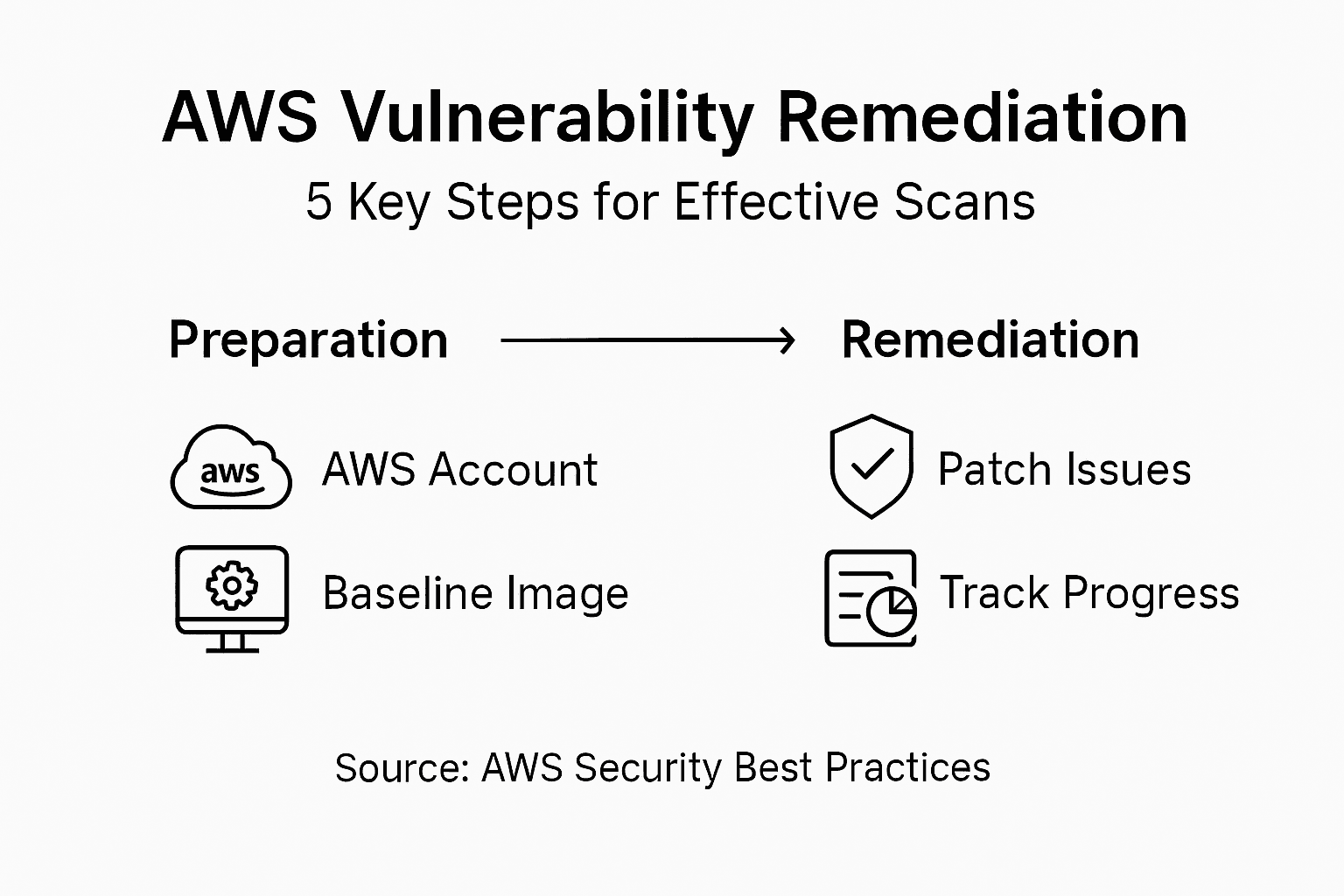
Pro tip: Maintain a detailed remediation tracking document that logs every discovered vulnerability, its resolution status, and lessons learned to build institutional security knowledge over time.
Compare the impact of response strategies for vulnerabilities:
| Remediation Strategy | Immediate Impact | Long-Term Value |
|---|---|---|
| Apply security patches | Fixes known flaws fast | Reduces attack surface over time |
| Adjust permissions/settings | Prevents misuse quickly | Strengthens ongoing access control |
| Automate remediation | Speeds up response | Maintains consistent protection |
| Continuous monitoring | Detects new issues fast | Ensures lasting infrastructure resilience |
Step 6: Verify Scan Results and Ongoing Protection
After completing vulnerability remediation, your next crucial step is validating the effectiveness of your security interventions and establishing a robust ongoing protection strategy. This phase ensures that your AWS environment remains resilient against potential security threats.
Continuous security monitoring becomes your primary defense mechanism. Implement systematic re-scanning processes that validate the resolution of previously identified vulnerabilities. Run comprehensive scans at regular intervals to confirm that your remediation efforts have successfully addressed identified security weaknesses. Compare new scan results against previous assessments, tracking improvements and identifying any potential regression in your security posture.
Establish an integrated incident detection and response framework that goes beyond periodic scanning. Leverage automated security tools that provide real time monitoring and instant threat detection. Configure alerts for any suspicious activities, configuration changes, or potential security anomalies within your AWS infrastructure. Create a dynamic security workflow that not only identifies vulnerabilities but also enables rapid response and mitigation strategies. Integrate your scanning and monitoring tools with incident response protocols to ensure a seamless and proactive approach to cloud security management.
Pro tip: Develop a comprehensive security dashboard that provides real time visibility into your AWS environment's security status, enabling quick identification and prioritization of potential risks.
Streamline AWS Vulnerability Scanning with Skypher's Automation Solutions
Performing an AWS vulnerability scan effectively requires careful preparation, precise permissions settings, and detailed remediation tracking to stay ahead of security risks. If you are managing complex security questionnaires or need to coordinate vulnerable assessments across teams, these common challenges can slow down your progress and increase risk exposure. Skypher tackles these pain points with its AI-driven Questionnaire Automation Tool that accelerates security reviews and enables real-time collaboration for teams in tech and finance.

Take control of your security process today by leveraging Skypher's seamless API integrations with over 40 third-party risk management platforms. Automate responses to security questionnaires, maintain a customizable Trust Center, and simplify communications across Slack and ServiceNow. Visit Skypher now and experience how intelligent automation can complement your AWS vulnerability scanning efforts to deliver faster, more accurate results that strengthen your cybersecurity posture.
Frequently Asked Questions
How do I prepare my AWS environment for a vulnerability scan?
To prepare your AWS environment, create an AWS account, and select a CIS Hardened Image as your baseline. Launch an EC2 instance with a pre-configured security image, and carefully adjust your security group settings to restrict unnecessary traffic.
What access controls should I set for a vulnerability scan in AWS?
Establish a dedicated IAM role for your vulnerability scanning activities, ensuring to follow the principle of least privilege. Create an IAM policy that grants read-only access to necessary resources, and review permissions before proceeding with the scan to avoid potential security risks.
How do I choose the right vulnerability scanning tools for AWS?
Select tools that are compatible with your AWS environment and offer both automated scanning and detailed reporting capabilities. Prioritize tools that can seamlessly integrate with your existing security workflows to enhance overall efficiency.
When is the best time to run an AWS vulnerability scan?
Schedule your vulnerability scan during low-traffic periods to minimize the operational impact on your resources. Running scans regularly, such as once a month, helps ensure continuous monitoring and rapid identification of new vulnerabilities.
How can I effectively remediate vulnerabilities found in my AWS environment?
Prioritize vulnerabilities based on their severity and potential impact, addressing critical issues first. Develop a structured remediation plan that includes not only patching but also reviewing configurations and access settings to strengthen your overall security posture.
How do I ensure ongoing protection after a vulnerability scan?
Implement a continuous security monitoring strategy by scheduling regular re-scans to validate remediation efforts. Utilize automated tools to detect real-time threats, and create a security dashboard to maintain visibility into your AWS environment's security status.