

A risk assessment tool is any structured method, template, or software product that identifies hazards, estimates their likelihood and impact, and helps you decide what to do about them. The most common examples fall into a handful of families:
- Risk matrix (likelihood x consequence scoring)
- FMEA (Failure Mode and Effects Analysis)
- Bowtie diagrams
- Decision trees
- Fault trees and event trees
- Attack graphs (cybersecurity)
- CVSS scoring (vulnerability severity)
- HIRA spreadsheets and generators
- Risk registers
- Interactive web-based risk tools
Pick a qualitative method (matrix, Bowtie) for fast screening, a quantitative one (FMEA, probabilistic models) when the stakes justify deeper analysis, and a spreadsheet or automated platform whenever you need to log, score, and export results for an audit trail.
Key Takeaways
The right risk assessment tool matches the decision's stakes: matrices and Bowties for fast screening, FMEA and probabilistic models for high-consequence analysis, and automation for repetitive documentation.
| Point | Details |
|---|---|
| Match method to stakes | Use a risk matrix or Bowtie for routine screening, FMEA or fault trees for high-consequence decisions. |
| Templates need customization | Adapt spreadsheets and HIRA generators to your specific hazards instead of copying a generic version. |
| Sector shapes the tool | Healthcare leans on clinical risk matrices, cybersecurity on CVSS scoring and attack graphs. |
| Document residual risk | Record initial score, controls applied, residual score, and an owner for every assessment. |
| Automate the paperwork | Skypher automates recurring security questionnaire responses so teams spend less time on repetitive documentation. |
Table of Contents
- Examples of Risk Assessment Tools You'll Actually Use
- Risk Assessment Software Examples and Templates
- Which Tools Fit Which Industry?
- How to Choose and Apply a Risk Assessment Tool
- A Practitioner Note on Customization
- What Actually Moves the Needle in Risk Assessment Work
- When Questionnaires Become the Bottleneck
- Sources
Examples of Risk Assessment Tools You'll Actually Use
Six methodologies show up again and again across safety, engineering, and security work, and each one produces a different kind of output.
- Risk matrix. You plot likelihood against consequence on a grid, usually 3x3 or 5x5, and the result is a heatmap that sorts risks into low, medium, high, and critical bands. It's fast, visual, and ideal for screening dozens of hazards at once, though it leans on subjective judgment calls about what counts as "likely."
- FMEA. Failure Mode and Effects Analysis breaks a process or product down into individual failure modes, then scores each on severity, occurrence, and detectability to produce a Risk Priority Number (RPN). Engineering and manufacturing teams use it to catch design flaws before they reach production.
- Bowtie diagrams. A Bowtie maps the causes on one side and the consequences on the other, with the hazardous event sitting in the middle like the knot of a bowtie. The real value is showing which preventive and mitigating controls sit between cause and consequence, and where a control is missing entirely.
- Decision trees. These lay out sequential choices and their probable outcomes, useful when a risk unfolds as a chain of dependent decisions rather than a single event.
- Fault trees and event trees. A fault tree works backward from a failure to its root causes; an event tree works forward from an initiating event to its possible consequences. Both are staples in aerospace, nuclear, and process-safety engineering, where a single failure can cascade in complex ways.
- Attack graphs. Cybersecurity teams use attack graphs to map how an intruder could chain multiple vulnerabilities together to reach a target system, often combining that map with CVSS-based severity scoring to prioritize which gaps get patched first.
Qualitative tools like the matrix and Bowtie work well when you need speed and broad coverage. Quantitative methods like FMEA and fault trees earn their extra effort when the consequence of getting it wrong is severe, expensive, or irreversible, a distinction the Sandia National Laboratories review of federal risk methodologies draws out clearly when comparing probabilistic models against simpler scoring systems.
Pro Tip: Don't force every risk through the same method. Run a quick matrix pass to triage your full hazard list, then reserve FMEA or fault tree analysis for the handful of items that land in the high or critical band.
Risk Assessment Software Examples and Templates
Most teams start with a spreadsheet before they ever touch dedicated software, and that's not a bad instinct. A 5x5 matrix spreadsheet or HIRA (Hazard Identification and Risk Assessment) template typically captures the task, the hazard, severity, likelihood, an initial risk score, the controls applied, and a residual score after those controls are in place.
Digital tools build on that same structure but add automation:
- HIRA generators auto-calculate risk scores and produce color-coded heatmaps, a common feature in construction and industrial safety platforms according to HSE Tools' breakdown of HIRA generator features.
- Interactive operations platforms support mobile data capture, photo evidence, and instant PDF or CSV export, letting field teams log an assessment on-site instead of retyping it later, a pattern documented in SafetyCulture's overview of risk assessment types.
- Regulatory-focused tools, like ISO 14971-aligned platforms for medical devices, calculate RPNs automatically and export technical-file-ready documentation, as seen in Regulatory Decoded's product safety tool.
- Risk registers, whether in a spreadsheet or a dedicated system, give you a living log of every identified risk, its owner, and its current status.
Auto-calculation and exportable heatmaps save real time, but a template only formalizes the scoring; it doesn't replace the subject-matter expert who decides what the score should actually be.
Which Tools Fit Which Industry?
The right example depends heavily on where you work, and the terminology shifts sector to sector even when the underlying logic stays similar.
- Healthcare. Incident reporting systems, root cause analysis, and clinical risk matrices support patient safety reviews, while NIOSH's violence risk assessment guidance gives nursing teams concrete indicators for assessing workplace violence risk before an incident occurs.
- Workplace safety. Task-level HIRA, Take 5 checklists completed before a shift starts, and Job Safety Analysis (JSA) tied to permit-to-work systems dominate construction and industrial settings.
- Cybersecurity. CVSS scoring ranks vulnerability severity, and attack graphs model how those vulnerabilities chain together, forming the backbone of most modern threat-based assessments.
- Product safety and medical devices. ISO 14971-style registers document both initial and residual risk, with regulators expecting clear justification for why a residual risk is acceptable before a product ships.
How to Choose and Apply a Risk Assessment Tool
Matching the tool to the decision at hand matters more than picking the "best" one in the abstract. A quick screening question calls for a matrix; a high-consequence design decision calls for FMEA or a probabilistic model.
- Start with the decision, not the template. Ask what you actually need to decide, then work backward to the method that supports it.
- Customize before you deploy. Generic templates rarely match your actual hazards, and HSE explicitly warns against copy-pasting a risk assessment from one site or process onto another.
- Bring in the right people. Frontline workers, engineers, or security analysts who touch the process daily usually catch failure modes a desk review misses.
- Set a realistic timeline. A matrix-based screening can wrap in an afternoon; an FMEA on a complex system often takes several sessions spread over days.
- Document the outputs that matter. Initial score, residual score after controls, an assigned owner, and a follow-up action date are the minimum an auditor will expect to see.
Pro Tip: Keep a one-page "customization log" next to any template you reuse, noting exactly what you changed and why. It turns a generic download into a defensible, site-specific record.
A Practitioner Note on Customization
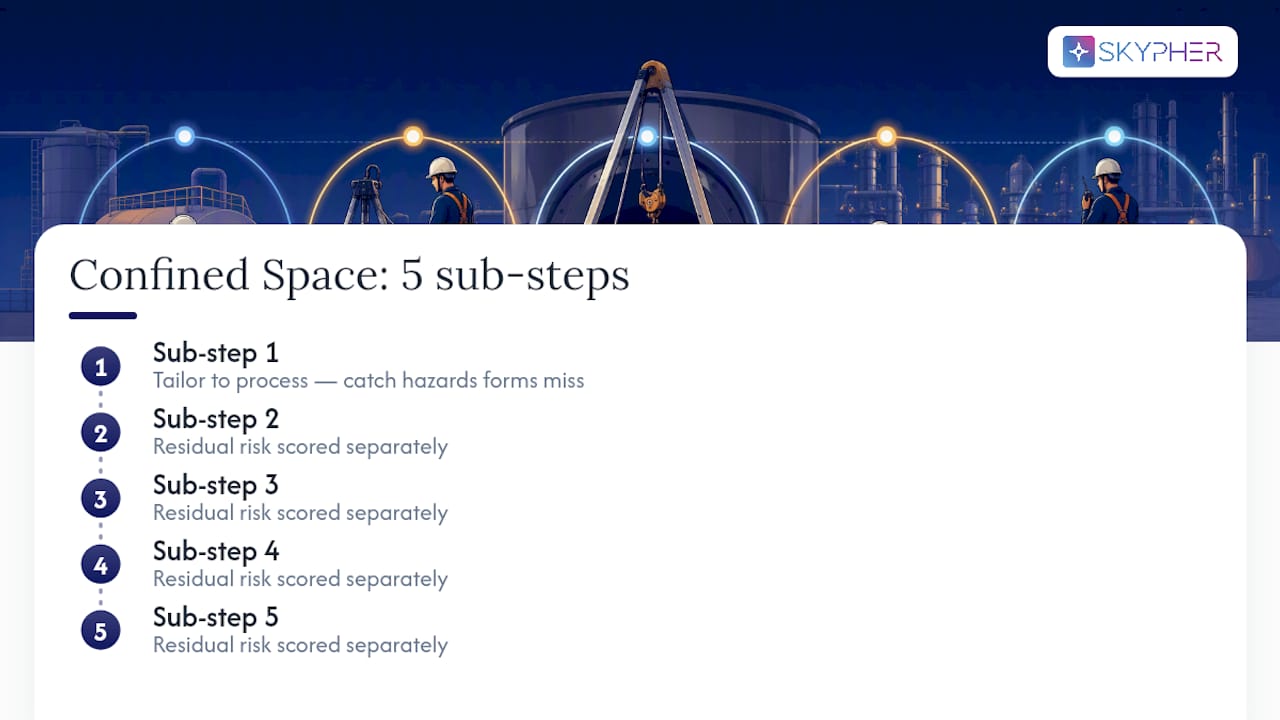
Templates are a starting point, never a finished product. Practitioners who tailor a risk assessment to the actual process, instead of borrowing one wholesale, catch hazards generic forms miss. A useful example: breaking a "confined space entry" task into its five sub-steps and scoring residual risk separately for each, rather than scoring the task as one line item.
What Actually Moves the Needle in Risk Assessment Work
The conventional advice on this topic spends too much time ranking methodologies against each other, as if FMEA were objectively "better" than a risk matrix. It isn't. The Sandia review of federal risk analysis approaches makes the more useful point: probabilistic and multi-criteria methods earn their complexity for high-consequence decisions, while a matrix or Bowtie handles routine screening perfectly well. Match effort to stakes, not the other way around.
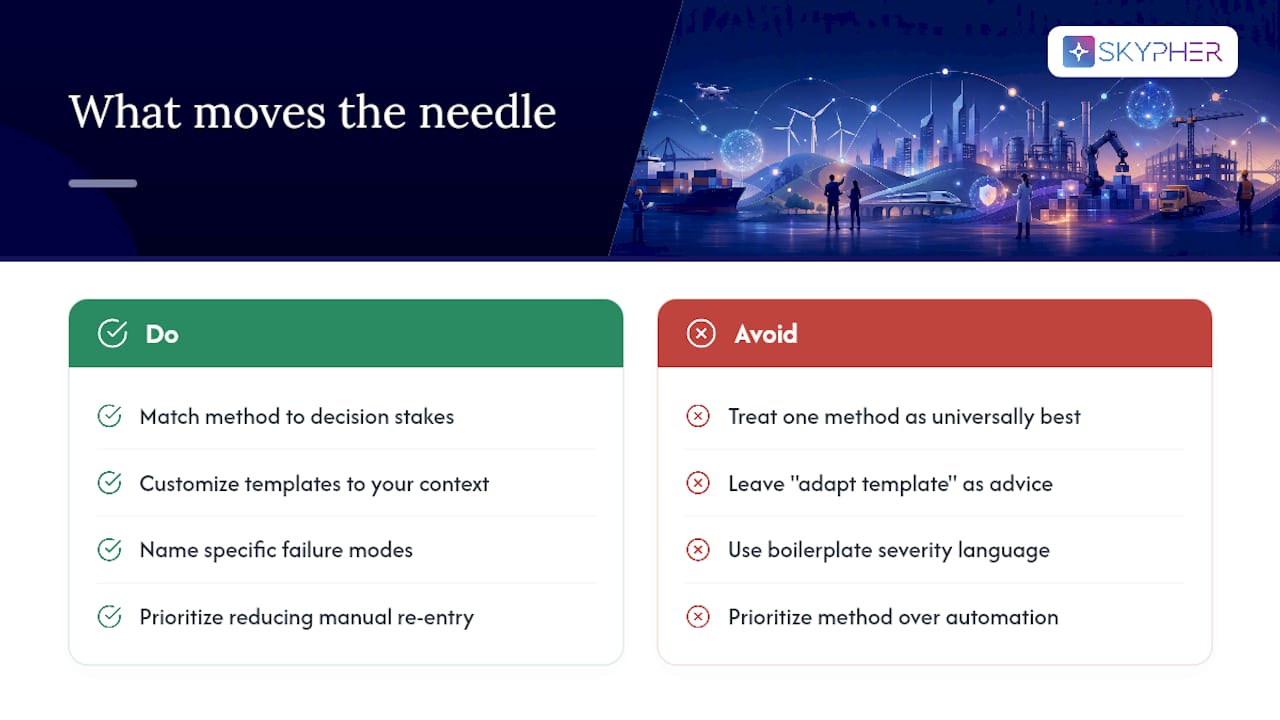
Where most guidance actually falls short is customization. Plenty of articles tell you to "adapt the template to your organization" and stop there. That's not advice, that's a disclaimer. Adapting a template means naming your specific failure modes, defining your own severity scale in terms your team recognizes, and rejecting the boilerplate scoring language that comes preloaded in most downloads.
If you handle a high volume of external-facing risk documentation, security questionnaires among them, prioritize whichever tool cuts the manual re-entry burden first. That's usually where the wasted hours actually live, not in the method itself.
— Gaspard
When Questionnaires Become the Bottleneck
Risk matrices, FMEA, and Bowtie diagrams solve the analysis problem. They don't solve a different problem that shows up constantly for security, compliance, and sales teams: answering the same 200 security questionnaire questions over and over for different vendors, each in a slightly different format.

That's where Skypher fits, not as a replacement for your risk methodology, but as the layer that handles the paperwork those methodologies generate. Skypher's AI answers security questionnaires in any format, pulling from your existing knowledge base with confidence scoring so your team reviews rather than retypes. It connects with more than 40 third-party risk platforms, including OneTrust and ServiceNow, and supports automated review cycles with duplicate detection so recurring vendor reviews stop eating a full week each quarter. If your team is buried in repeat questionnaires rather than the risk analysis itself, book a walkthrough of Skypher's automation tool and see how much of that backlog it clears in the first cycle.
Sources
- Violence Risk Assessment Tools | WPVHC | NIOSH - CDC
- Review of the Department of Homeland Security's Approach to Risk Analysis (selected figures and methodology summaries)
- Risk assessment: Template and examples - HSE