

TL;DR:
- Manual GRC questionnaire workflows are inefficient, error-prone, and hinder scalability.
- Automating involves inventorying data, building answer libraries, and integrating AI for speed and accuracy.
- Analyzing questionnaire patterns provides strategic insights into organizational risks and policy gaps.
Security questionnaire volume is climbing fast, and compliance teams at tech and finance organizations are feeling it. What used to be a manageable trickle of vendor assessments and customer due diligence requests has turned into a constant flood, each one demanding accurate, auditable, and timely responses. Manual processes stretch already thin teams, introduce inconsistency, and create compliance exposure that no organization can afford. This guide walks you through exactly how to understand, prepare for, and automate your GRC questionnaire workflow so your team spends less time filling out forms and more time managing actual risk.
Table of Contents
- Understanding the GRC questionnaire workflow
- Preparation: Laying the foundations for automation
- Step-by-step: Automating your GRC questionnaire workflow
- Verification, continuous improvement, and compliance
- A strategic perspective: Questionnaires as risk intelligence
- Modernize your GRC workflow with Skypher
- Frequently asked questions
Key Takeaways
| Point | Details |
|---|---|
| Automate for speed and accuracy | Automation cuts response times and reduces errors in GRC questionnaires. |
| Preparation is key | Properly mapping roles and centralizing resources ensures smooth automation transitions. |
| Use analytics for improvement | Analyzing workflow data reveals control gaps and optimizes future responses. |
| Continuous verification matters | Regularly reviewing automated workflows maintains compliance and adaptability. |
Understanding the GRC questionnaire workflow
Before you can fix a broken process, you need to map it clearly. GRC stands for governance, risk, and compliance. In practice, a GRC questionnaire is a structured set of questions sent by customers, auditors, or regulators to assess how well your organization manages security controls, data handling, and regulatory obligations. The workflow is the full lifecycle of how those questionnaires move through your organization from receipt to final submission.
A typical GRC questionnaire workflow includes these core stages:
- Intake: A questionnaire arrives by email, portal upload, or a third-party risk management (TPRM) platform.
- Triage: Someone assesses urgency, format, and which internal teams need to be involved.
- Assignment: Questions are distributed to subject matter experts across IT, legal, HR, and security.
- Response drafting: Experts fill in answers, often hunting through policy documents and past submissions.
- Review: A compliance officer or security analyst checks for accuracy, consistency, and tone.
- Submission and reporting: The completed questionnaire is submitted and logged for audit purposes.
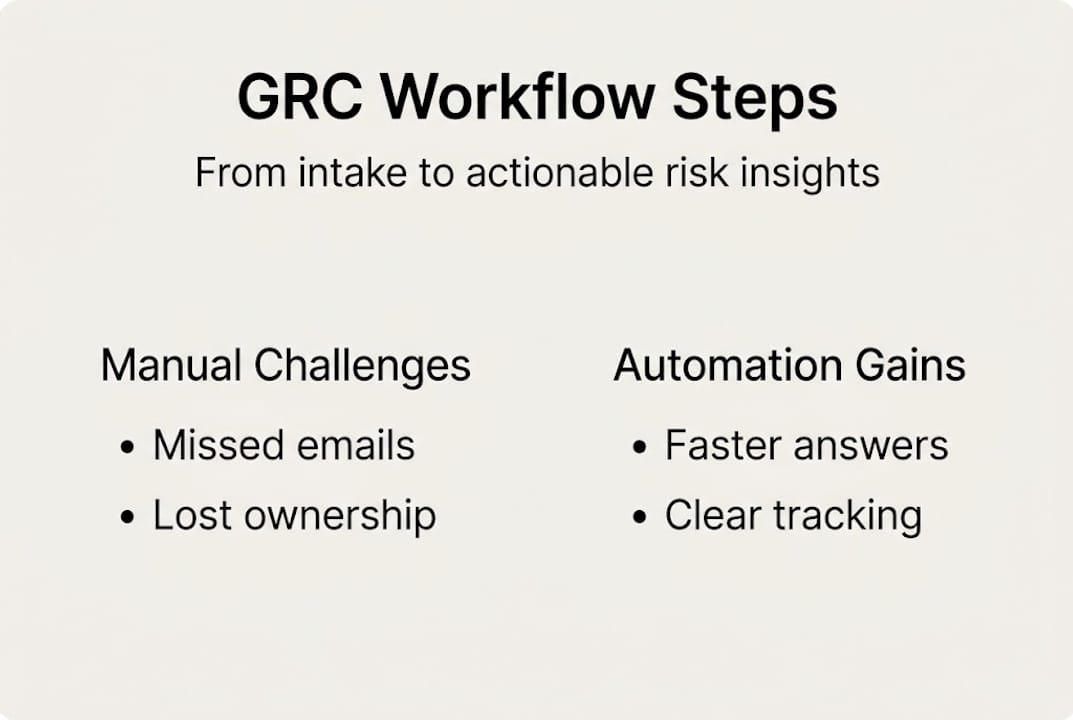
Each of these steps is a potential bottleneck when handled manually. Teams rely on email threads, shared spreadsheets, and institutional memory, all of which create version control nightmares and knowledge gaps when people change roles.
| Workflow stage | Manual process risk | Automated improvement |
|---|---|---|
| Intake | Questionnaires get lost in inboxes | Centralized intake with format parsing |
| Assignment | Unclear ownership, delays | Auto-routing based on question category |
| Response drafting | Inconsistent answers, rework | AI-matched answers from a curated library |
| Review | Manual spot-checking, errors | Rule-based flagging and audit trails |
| Reporting | No visibility into trends | Dashboards with completion and accuracy metrics |
The strategic value here goes beyond checkbox compliance. Questionnaires analyzed strategically reveal control gaps and policy needs, which means your workflow data is actually a source of risk intelligence, not just administrative overhead. Organizations that treat questionnaire responses as one-time tasks miss this entirely.
For teams looking to strengthen their broader toolkit, this compliance software guide covers the full landscape of GRC tooling options, and if you want context on how streamlining compliance fits into broader risk strategy, that framing is worth reading before moving forward.
Preparation: Laying the foundations for automation
Once the core workflow is clear, it is time to set the stage for efficient automation. Rushing into a platform purchase without preparation is one of the most common mistakes organizations make. Automation amplifies what you already have, so if your data and processes are disorganized, the tool will just help you move faster in the wrong direction.

Start by taking inventory. Document every type of GRC questionnaire your team receives, such as SOC 2 assessments, ISO 27001 supplier reviews, GDPR data processing questionnaires, and customer security reviews. Note the source, typical frequency, average question count, and which internal teams own the responses. This exercise alone often reveals duplicated effort and ownership confusion.
Next, collect the core data elements your team relies on repeatedly:
- Security policies and procedures: Access control, incident response, data classification.
- Certifications and audit reports: SOC 2 Type II, ISO 27001, PCI DSS, and similar.
- Architecture and infrastructure documentation: Data residency, encryption standards, network segmentation details.
- Previous questionnaire responses: A searchable library of past answers is automation gold.
Well-organized data and clear ownership are crucial for seamless automation. Without these foundations, even the best platform will struggle to return accurate, reusable answers.
Stakeholder mapping matters just as much as data prep. Document who owns each question category, who has final review authority, and who approves sensitive disclosures. Assign backup owners for when primary contacts are unavailable. This prevents single points of failure during high-volume periods.
| Preparation task | Owner | Priority |
|---|---|---|
| Inventory questionnaire types and sources | Compliance lead | High |
| Collect policy and certification documents | Security team | High |
| Build initial answer library | Compliance + IT | High |
| Map stakeholder roles and escalation paths | Compliance lead | Medium |
| Evaluate current tooling gaps | Operations | Medium |
Pro Tip: Build your answer library in a centralized knowledge base connected to your automation platform. Connecting it to tools like Confluence, Notion, or SharePoint means subject matter experts update answers in one place, and the automation tool pulls the latest version every time. This eliminates the embarrassing situation of submitting outdated policy details to a key customer.
For a thorough preparation checklist before going live, the guide on preparing for automation walks through exactly what to gather and verify.
Step-by-step: Automating your GRC questionnaire workflow
Preparation complete. Now let's move into the hands-on automation process. The steps below reflect what actually works in production environments, not just in vendor demos.
- Select your automation platform. Prioritize platforms that support multiple questionnaire formats (Excel, Word, PDF, web portals), connect to TPRM platforms like OneTrust and ServiceNow, and offer an AI-powered answer recommendation engine. Integrations matter enormously at scale. Review top GRC automation tools to benchmark options.
- Integrate your knowledge sources. Connect your policy documents, past questionnaire responses, and certification reports to the platform. AI-based tools use document vectorization to make these sources searchable at the question level.
- Define answer mapping rules. Configure how questions are matched to existing answers. Start with your highest-frequency question categories (access controls, encryption, incident response) and build outward.
- Set up notifications and routing. Configure alerts in Slack or Microsoft Teams so the right expert is pinged the moment a question in their domain requires review. Real-time routing eliminates the lag of manual assignment.
- Test with a live questionnaire. Run a real, recent questionnaire through the automated workflow before going fully live. Measure accuracy, flag gaps, and adjust mapping rules before the system handles customer-facing submissions.
- Iterate and document. Track every exception and update your answer library accordingly. Automation can make GRC questionnaire response up to 80% faster, but that efficiency compounds only when you continuously refine what the system learns from.
| Factor | Manual workflow | Automated workflow |
|---|---|---|
| Average response time | Days to weeks | Minutes to hours |
| Answer consistency | Variable | Standardized from library |
| Audit trail | Sparse | Automated logging |
| Scalability | Limited by headcount | Scales with volume |
| Error rate | High (human-dependent) | Low (AI-assisted) |
Pro Tip: Use your platform's AI recommendation engine from day one, even if confidence scores feel low initially. Each accepted or corrected recommendation trains the system to get smarter. Organizations that skip the AI layer and treat automation purely as a routing tool miss most of the efficiency gains. For a deeper walkthrough of the best approaches, the guide on automating best practices covers the nuances of answer library management and version control.
Also consider automation efficiency strategies for teams that need to scale rapidly without growing their compliance headcount.
Verification, continuous improvement, and compliance
With automation in place, ongoing verification and improvement ensure continued value. Automation is not a set-and-forget solution. Workflows drift, answer libraries go stale, and new regulatory requirements emerge. Your job shifts from manual execution to intelligent oversight.
Track these key metrics consistently:
- Response time: How long does the full workflow take from intake to submission?
- Completion accuracy: What percentage of auto-generated answers are accepted without edits by reviewers?
- Audit compliance rate: Are all submissions properly logged with version history and approver records?
- Exception rate: How often does the system flag a question it cannot confidently answer?
Common pitfalls to avoid:
- Stale answer libraries: Policy documents change. If your automation platform pulls from outdated source materials, your answers will be wrong. Schedule quarterly reviews of your core answer library.
- Fragmented ownership: When nobody is clearly responsible for a question category, it stalls. Revisit your stakeholder map every six months.
- Unreviewed automation rules: Answer mapping rules that made sense at launch may become inaccurate as your product or infrastructure evolves.
Recurring questionnaire trends reveal control issues and potential policy updates, turning what looks like administrative data into a proactive risk management tool.
Use your platform's analytics dashboard to spot patterns. If the same question category consistently triggers manual corrections, that is a signal that your underlying policy documentation needs updating, not just your answer library. Teams that recognize this feedback loop gain a real advantage in proactive automation optimization.
For broader context on staying ahead of evolving threats, AI-driven questionnaire analysis explains how intelligent tools are reshaping what compliance monitoring looks like in 2026. And the resource on GRC automation tips offers practical guidance for managers overseeing automated workflows long term.
A strategic perspective: Questionnaires as risk intelligence
Most compliance teams treat GRC questionnaires as a task to complete and file away. That framing is leaving significant value on the table. The questions your customers and partners ask reveal exactly what they are worried about, and by extension, where the market perceives your organization's risk profile to be weakest.
Leading teams do something different. They analyze questionnaire patterns over time and treat the data as a live signal of emerging regulatory focus, customer expectations, and internal control maturity. When five different customers ask the same question about your data residency practices in a single quarter, that is not a coincidence. It is a policy signal.
Turning GRC questionnaires into strategic assets allows organizations to get ahead of customer demands and internal gaps. This requires workflow analytics that surface trends, not just completion rates. Automation platforms that provide this visibility shift the compliance function from reactive to genuinely strategic.
The teams we see doing this well treat their questionnaire data the same way product teams treat user research. They look at AI-driven questionnaires not as a faster way to answer, but as a lens for understanding where their security program needs to mature next. That is the mindset shift that separates excellent GRC programs from merely functional ones.
Modernize your GRC workflow with Skypher
Ready to put these strategies into action? Skypher's automation software handles every stage of the GRC questionnaire workflow, from intelligent intake and AI-powered answer matching to real-time collaboration and compliance reporting. Teams using Skypher can respond to even 200-question assessments in under a minute, with integrations across 40-plus TPRM platforms including OneTrust and ServiceNow.

Skypher's AI automation engine learns from your existing knowledge base, surfacing accurate, context-aware answers with a confidence score you can trust. The AI recommendation engine continuously improves as your team reviews and refines responses, making every questionnaire cycle faster than the last. Whether you are building your first automated workflow or optimizing an existing one, Skypher gives your compliance and security teams the tools to move at the speed your business demands.
Frequently asked questions
What is a GRC questionnaire workflow?
A GRC questionnaire workflow is the structured process of managing, assigning, answering, and reviewing governance, risk, and compliance security questionnaires within an organization. GRC questionnaire workflows formalize how requests are processed and addressed across internal teams.
How can automation improve GRC questionnaire workflows?
Automation reduces response time, minimizes human error, and maintains audit readiness by centralizing answer libraries and routing questions to the right experts automatically. Platforms built for this purpose can make GRC questionnaire response 80% faster compared to manual methods.
What are common mistakes in automating GRC questionnaire workflows?
The most frequent errors are failing to update answer libraries regularly, under-training the staff who manage automation rules, and ignoring analytics feedback that signals control gaps. Stale answers and unreviewed automation rules can quietly undermine compliance accuracy over time.
How can GRC questionnaire data be used strategically?
Tracking patterns across questionnaire submissions reveals recurring control weaknesses and emerging regulatory focus areas, letting your team update policies before a gap becomes an incident. Questionnaire analysis highlights risks and informs proactive policy improvements rather than reactive fixes.