
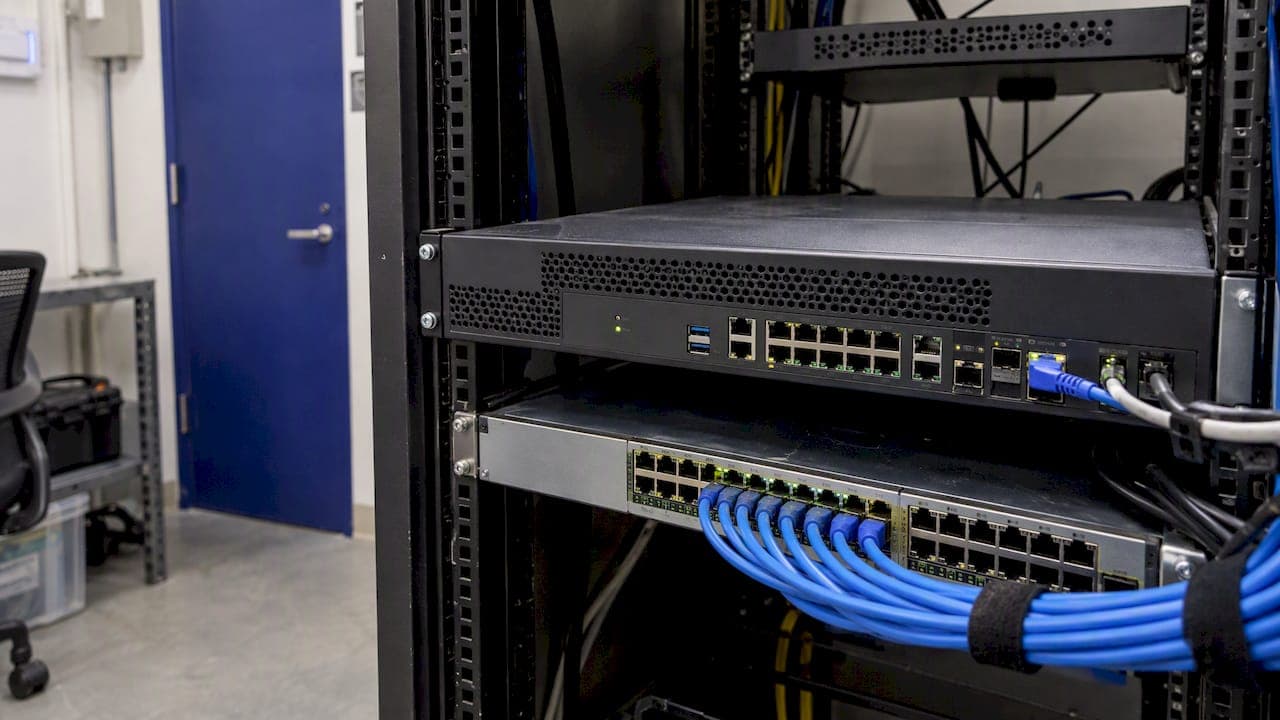
Network security tools are the software and hardware controls that stop unauthorized access to your network, detect suspicious activity on it and help you respond when something gets through. The core categories are firewalls, intrusion detection and prevention, network detection and response, secure remote access (VPN, ZTNA, SASE), vulnerability scanners and traffic analyzers. Most organizations need a layered mix of them, chosen by risk rather than by a vendor's feature list.
Below we walk through what each category does, which free tools practitioners reach for first, how the pieces fit together and how to decide what your team actually needs.
TL;DR
- A network security tool protects network infrastructure, traffic and data by preventing unauthorized access, detecting threats and supporting response.
- The main categories are firewalls, IDS/IPS, NDR, secure access (VPN, ZTNA, SASE), web gateways, vulnerability scanners and traffic analyzers.
- Network tools are one part of information security, which also covers endpoints, identity, encryption and the evidence you show customers.
- Choose by risk, existing architecture and the environments you run, not by a universal checklist; fewer well-integrated tools usually beat a sprawl of overlapping ones.
- Once the tools are running, someone must prove it to customers: that is where security questionnaires and a Trust Center come in.
Table of Contents
- What a network security tool actually is
- The main categories of network security tools
- Free and open-source tools practitioners start with
- What people mean by "the three security tools"
- How the tools work together
- How to choose network security tools
- Our perspective: tools are only half of the job
- From tools to proof: where Skypher fits
- Common mistakes when building a network security stack
- FAQ
- Sources
What a network security tool actually is
A network security tool is any solution, hardware or software, designed to protect network infrastructure, traffic and data integrity. Microsoft describes network security as specialized solutions and practices that prevent unauthorized access, detect threats and respond to cyberattacks. Proofpoint's definition frames the same idea as protecting the usability, integrity and transmitted data of a network.
In practice, every tool does one of three jobs:
- Prevent: block traffic, users or devices that should not be on the network (firewalls, access control, web filtering).
- Detect: notice behavior that looks wrong, such as a workstation talking to an unfamiliar server at 3 a.m. (IDS, NDR, traffic analysis, monitoring).
- Respond: contain and investigate, by isolating a host, revoking access or opening an incident ticket.
The same product can cover more than one job, and that overlap is why buying decisions get confusing.
Network security versus information security
Readers searching for an "information security tool" often mean something broader. IBM defines information security as an umbrella that covers an organization's efforts to protect information, including endpoint security, data encryption and network security. Network security is therefore a subset: it guards the paths data travels, while information security also covers the data itself, the devices, the people and the processes.
The practical difference shows in where the control sits. TechTarget notes that network tools protect against threats crossing the corporate network and cover many assets at once, while endpoint tools run on individual devices as a last line of defense. They complement each other, and neither replaces the other. For a deeper look at the broader category, see our piece on the information security tool and what it brings to trust and compliance.

The main categories of network security tools
The table summarizes the categories most enterprise teams evaluate. The descriptions follow Check Point's overview of network security solution types, which maps each category to a layer of the attack surface.
| Category | What it does | Typical use |
|---|---|---|
| Next-generation firewall (NGFW) | Perimeter filtering with deep-packet inspection | Network edge, data center boundary |
| IDS / IPS | Detects (and optionally blocks) known attack patterns | Between network segments, at the edge |
| Network detection and response (NDR) | Monitors internal traffic for anomalies and lateral movement | Spotting threats that already got inside |
| ZTNA | Application-specific access based on identity and device posture | Remote and contractor access |
| SASE | Cloud-delivered bundle of networking and security services | Distributed workforces and branch offices |
| Secure web gateway (SWG) | Filters web traffic and blocks malicious sites | Protecting users from web-based threats |
| Vulnerability scanner | Finds exposed services and known weaknesses | Regular hygiene and pre-audit checks |
| Packet and traffic analyzer | Captures and inspects traffic in detail | Troubleshooting and forensics |
Firewalls and intrusion prevention
Firewalls remain the foundation. A next-generation firewall sits at the perimeter and inspects traffic beyond simple port and protocol rules. Intrusion detection and prevention systems add pattern and anomaly matching. One point worth acting on from NIST's guide to intrusion detection and prevention: these components are frequent targets because attackers want to bypass detection, so the IDPS itself needs hardening of its operating system and applications, not only the network it watches.
Secure remote access: VPN, ZTNA and SASE
Remote access is where many networks changed most. CISA's joint guide on modern network access explains that a VPN provides remote access through an encrypted tunnel, but its limitations and vulnerabilities have led some organizations to consider newer approaches. ZTNA grants access to applications, data and services under strictly defined policies, including verification of user identity and device security posture. SASE goes a step further by bundling networking and security services such as ZTNA, SWG and CASB into a cloud-based architecture with consistent policy enforcement.
The ideas are not interchangeable. A VPN gives a user a path into the network; ZTNA gives a verified user access to one application. If you have contractors who only need a single internal tool, that distinction matters.
Network detection and response
Prevention fails sometimes. NDR watches east-west traffic, the movement between internal systems, to catch what perimeter tools never see. It earns its keep after a credential has been stolen or a laptop compromised, when the attacker is moving laterally and every individual connection looks legitimate.
Free and open-source tools practitioners start with
Before buying anything, most engineers already have a few free tools on their laptops, and several appear in the top-ranked lists for this topic for good reason.
- Wireshark is a free, open-source network protocol analyzer that lets you inspect traffic in depth. It is the standard tool for working out what is really happening on a segment.
- Nmap is a free, open-source security scanner and network exploration tool available for Linux, Windows and other platforms. It answers the question "what is on my network and what is it exposing?"
Both are diagnostic tools rather than complete defenses. They show you problems; they do not enforce policy or watch your network around the clock. Use them to validate your firewall rules, confirm a new segment is closed off and investigate alerts, then rely on continuously running controls for day-to-day protection.
What people mean by "the three security tools"
Searchers often ask for the three essential security tools. There is no official trio. In security operations, one common shorthand is the visibility triad: endpoint detection and response, network traffic analysis (NDR) and a SIEM that correlates logs and alerts from both. For a smaller business, the practical trio is often a firewall, endpoint protection and multi-factor authentication. The answer depends on who is asking and what they defend, which is why selection criteria matter more than any list.
How the tools work together
No single control sees everything. A firewall sees the boundary, an endpoint agent sees one machine, an NDR sensor sees internal flows and a SIEM sees whatever logs you send it. The value comes from combining them.
A realistic example: a phishing email delivers a payload to a laptop. The secure web gateway may block the download site. If it does not, endpoint detection flags the process. If the attacker stays quiet there, NDR sees the laptop scanning internal subnets, and the SIEM correlates the three signals into one incident. Each tool is imperfect; the chain is much stronger.

There is a flip side. Fragmentation is a real cost. NIST's zero trust guidance warns that a lack of a standardized way to distribute, manage and enforce policy creates a fragmented policy environment. CISA's guide likewise points to consolidating disparate point solutions into unified platforms to improve visibility and incident response. Consolidation is not a goal in itself, but every tool you add should share data and policy with the rest.
For how monitoring fits into this picture, our guide to cyber security monitoring covers what to watch and why, and our post on cloud security tools covers the part of the stack that firewalls at the edge cannot reach.
How to choose network security tools
Start from the organization, not the catalog. NIST's zero trust guidance tells organizations to weigh their requirements, risk tolerance, existing technologies and environments rather than assume a one-size-fits-all stack. Here is a sequence we find works.
- Map what you protect. List the networks, cloud environments, remote users and third-party connections. You cannot choose a tool for a boundary you have not drawn.
- Rank your risks. Which loss would hurt most: customer data, production uptime, regulated records? Pick tools that reduce those risks first.
- Inventory what you already own. Many firewalls and endpoint products include IDS, web filtering or basic NDR features. Gaps are often smaller than they look.
- Match the deployment model. Hardware appliances suit on-premises perimeters; cloud-native, edge-delivered services suit remote-first teams. Many organizations need both.
- Check integration. Ask how a tool sends logs and alerts to your SIEM or ticketing system, and whether policy can be managed in one place.
- Plan to secure the tool itself. Hardening, patching and access control for the security stack are part of the cost.
- Start small and phase it in. A zero trust approach can be built incrementally, starting with foundations such as DNS filtering and identity enforcement, instead of one disruptive cutover.
Resist the urge to stack tools for comfort. More products mean more potential for conflicts and misconfigurations, and a disabled feature can leave a gap nobody notices. A smaller set that your team understands and tunes beats a large set that nobody has time to watch. For a step-by-step view of the surrounding practices, see our cybersecurity checklist for enterprises and our overview of cybersecurity best practices.
Our perspective: tools are only half of the job
We build software for security and sales teams that answer customer security reviews, so we see what happens after the tools are deployed. A company can run an excellent firewall, NDR sensor and identity stack and still lose a deal's momentum, because a prospect sends a 300-question spreadsheet and asks it to prove the controls exist.
That is the gap we see most often. Security teams invest in protection, then spend a surprising share of their time re-typing the same answers about that protection into portals, Word files and spreadsheets. The knowledge exists; it is scattered across policies, wikis and the heads of a few engineers.
Our view is that evidence should be treated like any other security asset: kept in one governed place, versioned, current and easy to retrieve. When your network security tools change, for example when you move from a VPN to ZTNA, the documented answer to "how do you control remote access?" should change the same day. Teams that connect their documentation to their questionnaire workflow answer faster and more consistently, and their security leaders spend time on security.
We would also encourage you to measure tools by what they let you demonstrate, not only by what they block. A control you cannot evidence is, to a buyer's risk team, a control you may not have.
— Gaspard
From tools to proof: where Skypher fits
Once your network controls are in place, customers will ask you to document them. Skypher's Questionnaire Automation Tool uses AI to answer security questionnaires from your own knowledge base, supports the formats customers send and shows a confidence score so reviewers know where to look. It connects to third-party risk management portals and to the tools your team already uses, such as Slack, MS Teams, Confluence, Notion, Google Drive, OneDrive and SharePoint, so answers draw on current documentation. Our Smart Security Knowledge Base keeps that content organized and versioned.
If you would rather publish your posture up front, our Trust Center lets prospects review policies and certifications on a page you control, which can cut the number of questionnaires that need answering at all. To see how it would work with your documents, you can request a demo on our site. For a comparison of approaches in the category, read our overview of security questionnaire tools.
Common mistakes when building a network security stack
- Buying for the threat in the news. Tools chosen after a headline often overlap with what you own and miss your real exposure.
- Leaving the perimeter as the only defense. Once an attacker is inside, perimeter tools are blind. Internal visibility matters.
- Treating VPN as permanent. CISA's guidance flags the risks of traditional software-based remote access VPNs and suggests considering hardware-enforced options or modern access models where necessary.
- Ignoring alert fatigue. A tool that generates alerts nobody triages provides no protection. Budget analyst time along with the license.
- Skipping documentation. Undocumented controls are hard to audit, hard to hand over and hard to prove to customers. Our posts on IT security management systems and security monitoring and automation for compliance show how to make documentation part of the routine.
Automation is changing how teams handle the repetitive parts of this work, and our look at security automation trends and wider cybersecurity trends in risk and compliance puts that in context.
FAQ
What is a network security tool?
It is a hardware or software solution that protects network infrastructure, traffic and data by preventing unauthorized access, detecting threats and supporting response. Firewalls, intrusion prevention systems, NDR, ZTNA and vulnerability scanners are all examples. Most organizations combine several, because each covers a different layer.
What tools can be used to secure a network?
Start with a next-generation firewall, secure remote access (ZTNA or a well-managed VPN), web filtering and regular vulnerability scanning. Add NDR for internal visibility and a SIEM to correlate alerts as you grow. Free tools such as Nmap and Wireshark help you verify your configuration.
What is the most commonly used network tool?
For analysis and troubleshooting, Wireshark is among the most widely used, and Nmap is the usual choice for scanning and discovery. For protection, the firewall is the most universal control. Which one is "most common" depends on whether you mean defending a network or inspecting it.
How is an information security tool different from a network security tool?
Information security is the broader discipline: it protects data wherever it lives, including endpoints, encryption and network security. A network security tool focuses on the paths data travels. You need both, and endpoint and network controls complement each other.
Sources
- What Is Network Security? | Microsoft Security
- What Is Network Security? Definition, Types & Threats | Proofpoint
- What Is Information Security? | IBM
- Endpoint security vs. network security: Why both matter | TechTarget
- The Different Types of Network Security Solutions | Check Point
- NIST SP 800-94, Guide to Intrusion Detection and Prevention Systems
- Modern Approaches to Network Access Security | CISA
- Implementing a Zero Trust Architecture | NIST
- Wireshark
- Nmap: the Network Mapper